


The FXOpen Team
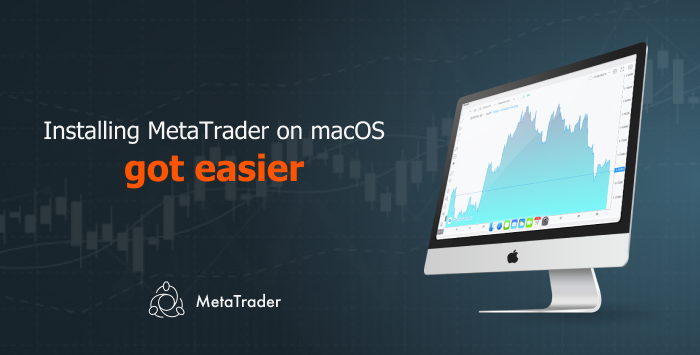
The macOS operating system accounts for 13% of MetaTrader 4 and MetaTrader 5 installations, and the numbers are growing. According to MetaQuotes, users are increasingly requesting a convenient macOS installer, so a dedicated solution for Apple devices was developed.
macOS users no longer need to use additional software to install a trading platform on their system. All that is required is to download the dmg file for installing MetaTrader 4 or MetaTrader 5 and run it:
Follow us on Facebook, Twitter and Telegram.
FXOpen Customer Service
E-mail: [email protected]
Live Chat (24/5)
Related articles

Trading Hours Schedule for the Chung Yeung Festival
Dear Traders,
Due to the forthcoming Chung Yeung Festival in Hong Kong on Monday, 19th October 2026, the trading hours for the Hang Seng Index (#HSI) will be changed as follows (all times given are GMT+3):
Hong Kong 50
Trading Hours Schedule for Hong Kong National Day
Dear Traders,
Please be aware of the upcoming changes to trading hours due to Hong Kong National Day (all times are GMT+3):
Hong Kong 50 (#HSI)
- Wednesday, 30th September - trading until 22:00.
- Thursday, 1st October - trading
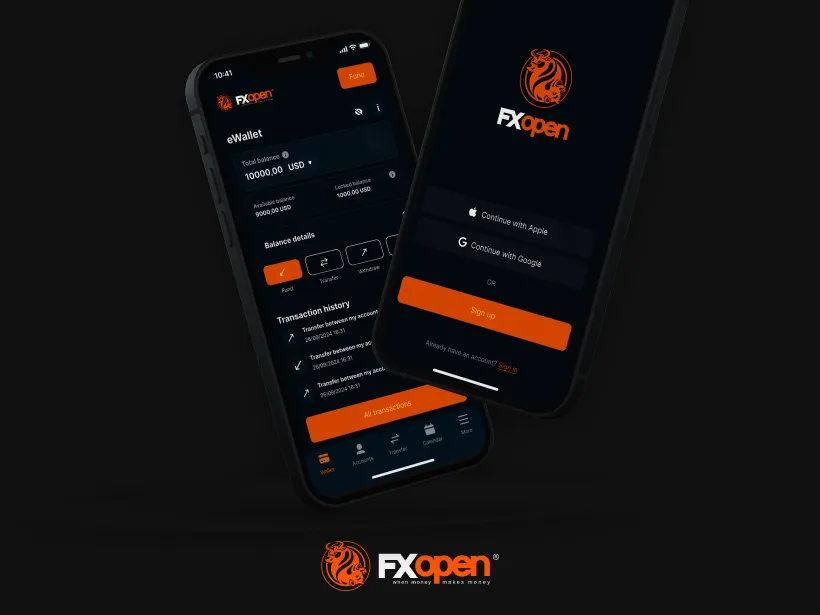
FXOpen App Now Available on Google Play
FXOpen is pleased to announce that the FXOpen App is now officially available for download on the Google Play store. Previously exclusive to the App Store, Android users can now enjoy the same powerful, mobile-first experience that puts account management